Game Server Hosting

Palworld Server Hosting

Catch Pals and build your base together. Host your own Palworld dedicated server with Instalobby, always on the latest version, and explore the Palpagos Islands with your friends without the hassle.

About Palworld

Palworld is a multiplayer open-world survival game set on the Palpagos Islands. Catch mysterious creatures called Pals, then put them to work: they fight beside you, gather resources and run the production lines of your base.

It shines in multiplayer: explore together, take on bosses as a team, and grow a shared base on your own dedicated server that keeps your world between sessions.

  • Co-op survival, exploration and base building
  • Always the latest Palworld version
  • Daily automatic updates
  • Password-protected servers
  • Your own world, saved between sessions
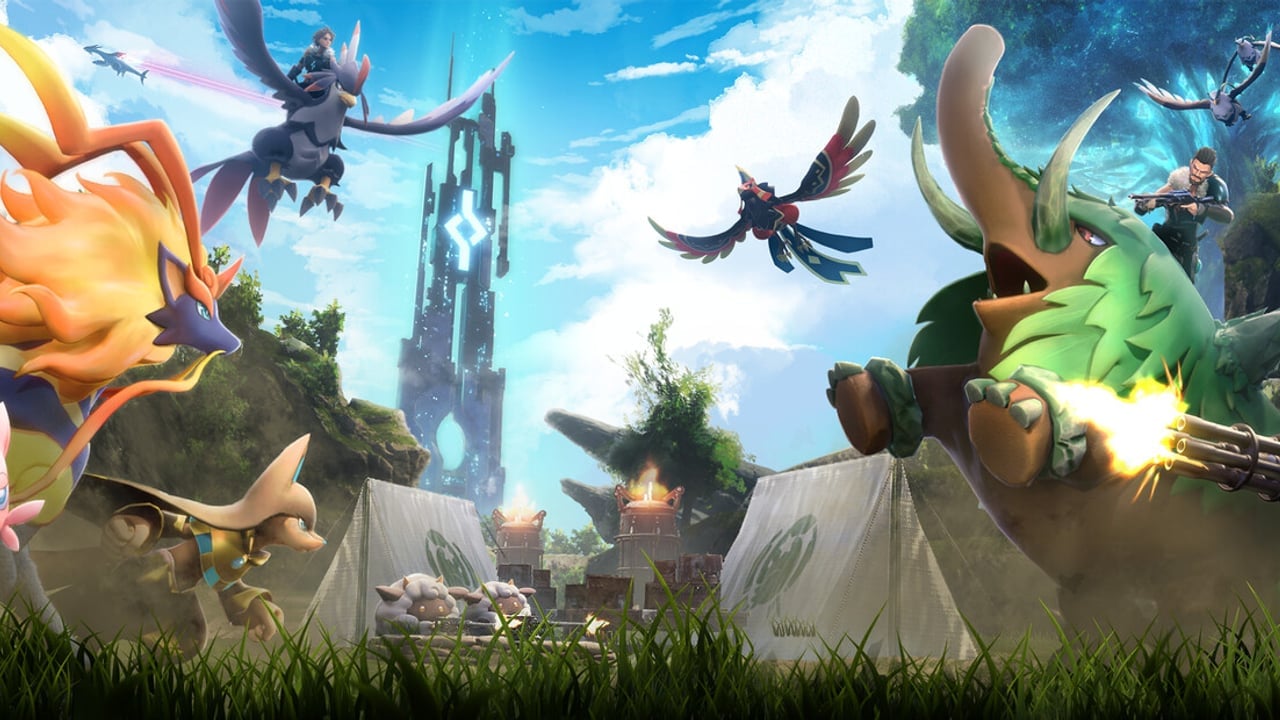
Palworld key art

Why host your Palworld server with Instalobby?

We've rethought game server hosting from the ground up. No more monthly fees, no more waiting, no more complexity.

Pay only while you play
No monthly fees, no subscriptions. You're charged by the minute, and only when your server is running.
Dedicated resources
Each server runs on its own dedicated VM. No sharing resources with other users.
Instant provisioning
Spin up a server in minutes, not hours. Stop it when you're done, start it again whenever you want.
Multiple regions
Choose from 19 regions worldwide to get the best latency for you and your friends.
No technical knowledge needed
We handle all the complexity. Just click, configure, and play.

Simple, transparent pricing

Pay only for the time your server is actually running. Pricing based on Iowa region with Large VM (20¢/hour), the size Palworld servers run on.

Weekend warrior
4 hours over the weekend

$3.20

per month estimate

Weekly

$0.80

Hourly

$0.20

Based on 4 hours of playtime

Casual gamer
8 hours per week

$6.40

per month estimate

Weekly

$1.60

Hourly

$0.20

Based on 8 hours of playtime

Dedicated host
2 hours every night

$11.20

per month estimate

Weekly

$2.80

Hourly

$0.20

Based on 14 hours of playtime

* All prices in USD. Large VM in Iowa region: $0.20/hour.

Different regions and VM sizes have different rates. See our full pricing for details.

Frequently Asked Questions

Have questions about Palworld server hosting? We've got answers.

Which version of Palworld does Instalobby run?
Always the latest release of the Palworld dedicated server from Steam. We check for new releases every day and update the server image automatically, so your server keeps matching the version Steam installs on your players' clients. Palworld requires the client and server versions to match.
How much RAM does my Palworld server get?
Palworld servers run on our Large VM, with 16 GB of RAM, the amount Palworld's own documentation recommends. The server's memory use grows during long sessions, and smaller machines risk running out of memory, so Large is the only size we offer for Palworld.
How many players can join?
Up to 32 players at the same time, Palworld's maximum for a dedicated server.
How do my friends join?
In Palworld, choose Join Multiplayer Game, type the IP and port shown on your server page (the port is 8211) in the box at the bottom, and click Connect. They'll be asked for the server password. Your server isn't listed in Palworld's community server browser, so only people you share the address with can find it.
Can I set a password for my Palworld server?
Yes, and it's required. You set it when you create the server, and players can't join without it. Palworld only accepts letters, numbers, hyphens and underscores in server passwords. The password is encrypted and stored securely.
Can I use mods on my Palworld server?
Mods are not supported yet. Your server runs the vanilla game. We're evaluating mod support for future updates.
What happens to my world when I stop the server?
Your world, your Pals, your bases and every player's progress are saved and stored safely when the server stops. When you start it again, you pick up exactly where you left off. Each server gets its own new world the first time it starts.
Can I change the server settings after creation?
Currently, server settings cannot be updated. We are working on this topic. If you want, for instance, to change the password, you may need to recreate the server.

Ready to start your adventure?

Create your Palworld server in minutes. No credit card required to start.

Join our Discord if you need help